Marketing & Design

Marketing Design Tips and Trends For Success

With website design impacting 94% of first impressions, discover key web design tips and modern visual trends to keep visitors engaged.

Read Full Story →
Cybersecurity

Mobile App Security Threats To Plan For

Learn how hackers target mobile apps and how multifactor authentication, encryption, and code obfuscation protect user data.

Read Full Story →
Health & Fitness

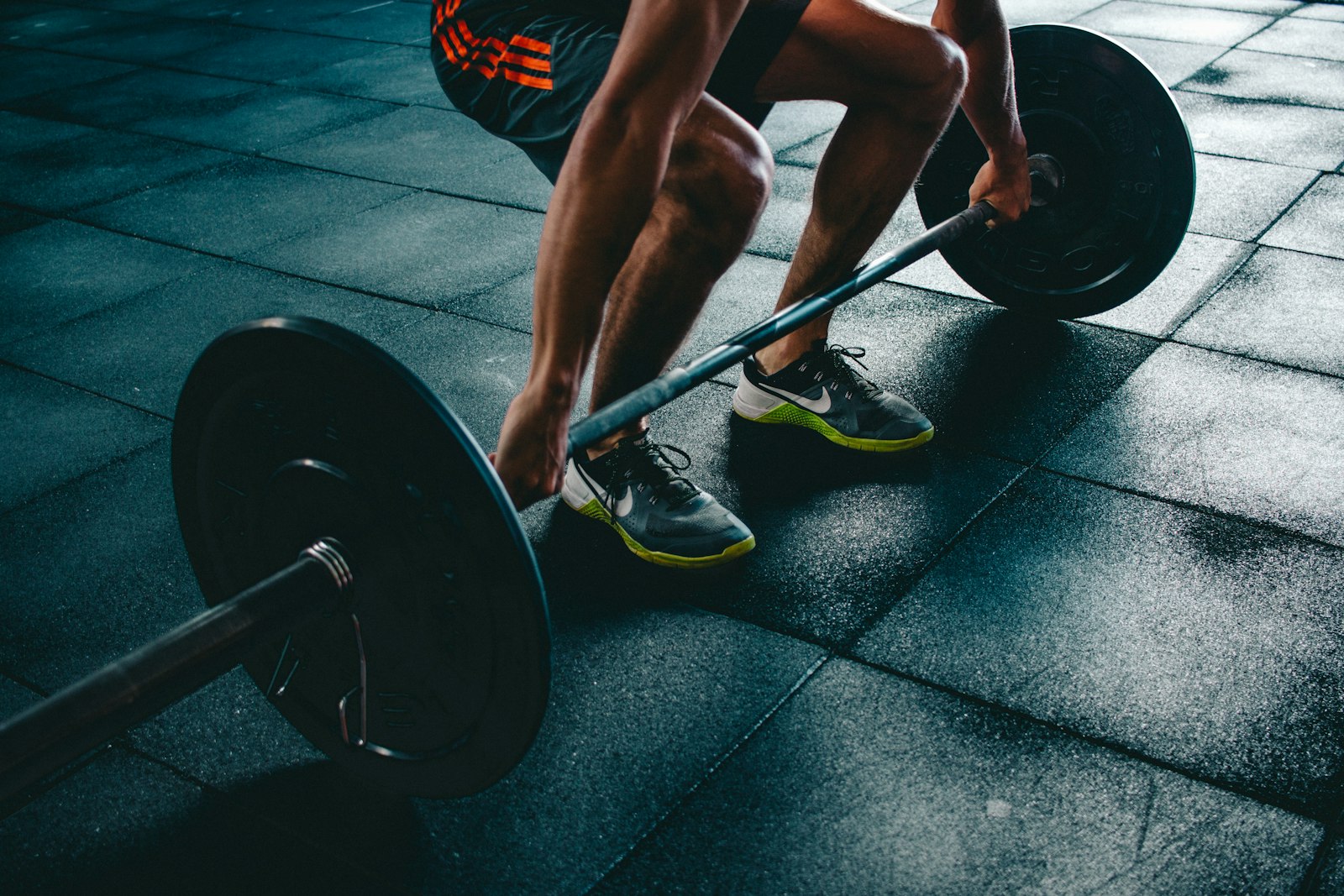
7 Reasons to Consider a Home Gym

If you think of picking up better health habits and don't like crowded gyms, consider setting a home gym catered to your needs.

Read Full Story →
✦ Prime Full-Width Placement • 1450×150 Starting at €99/mo
Buy Ad Space Here

Put your brand, SaaS, or product front-and-center above our daily news feed on THE OFFICIAL ANDREASCY.

Showing posts with label Keyboards. Show all posts

Introducing Google's Handwrite Beta Feature, A New Way to Search

Description :

Google introduced a fun and easy new way to search from your smartphone or tablet by simply writing a query on touchscreens. 


This new handwriting feature now joins Google's current method of input including speaking search queries, getting results before users finish typing, and searching by image. 


It's not as quick as voice searching, but it's easier to use than pecking letters on a virtual keyboard. 


To enable Handwrite, you must visit Google on your smartphone or tablet, click "Settings," found at the bottom of the page, and then enable Handwrite. 


This feature is currently available in 27 languages.


Learn more at Google

*by andreascy*

Dynamic Physical Buttons on Touch Screens : Tactus Technology

Description :

Hello lovelies! Not sure what you're after but i hope the rest of your day is good. Today we have some adorable and very interesting news coming out so please stay tuned!

Tactus Technology - A Bloody Amazing and Innovative Device of the Year

What if buttons could morph out of the surface of your device? What if you had a physical QWERTY on your touchscreen?

Dynamic Physical Buttons on Touch Screens : Tactus Technology

Crazy? Then take a good look on Tactus Technology. Man this is some Terminator 2 stuff. I can already see myself trying to pop them like a zit. :)

Dynamic Physical Buttons on Touch Screens : Tactus Technology

These guys developed a new tactile User Interface for touchscreen devices that does exactly that. That's right! World's first dynamic deformable tactile surface capable of creating dynamic physical buttons that users can actually see and feel in advance of entering data into the device.

Dynamic Physical Buttons on Touch Screens : Tactus Technology

You actually have to see it to believe it! It creates a keyboard you can actually feel on your tablet screen. Just like a real keyboard! 

Dynamic Physical Buttons on Touch Screens : Tactus Technology

I believe this is the next big thing for tablets, and is a solid half way step towards real haptic feedback. Enjoy the video:


Check out the Press release here. Learn more on Engadget. 

Share this story with friends, family, and the rest world. So, what are your thoughts on this? Let us know below in the comments. We always welcome constructive comments and allow any that meet our common sense criteria.

*by andreascy*

Office Webinar : Keyboard Shortcuts

Description :

In this week's webinar, we'll show you some keyboard shortcuts so you can work more quickly in Word, Powerpoint, and Excel. Learn more about these subjects and a complete rundown of shortcuts mentioned at http://aka.ms/short123


This is a recording of an Office 15-Minute Webinar. Doug Thomas hosts these free how-to tidbits from the Office.com help writers. See how to watch these webinars live and participate in a Q&A session at : http://aka.ms/offweb


Check also other Office Webinars on : 


*by andreascy*

Techrepublic offers free PDF with 100 Windows 8 Keyboard Shortcuts

Description :

TechRepublic's Greg Shultz has compiled a set of 100 Windows 8 keyboard shortcuts that will help you more quickly and efficiently navigate Windows 8 and its new Metro User Interface.


Some of the keyboard shortcuts found in the free to download PDF are familiar to users of Windows 7, but there are also many shortcuts that are particular to Windows 8. The shortcuts will be a handy tool to have around when Windows 8 is powering your test computer or virtual machine installation.


The 100 Windows 8 keyboard shortcuts download is in PDF format and is free to download but you will need to register for a FREE TechRepublic membership.


You can print it out and keep it handy when it comes time for you to find out what Windows 8 is all about.

You can find the TechRepublic 100 Windows 8 keyboard shortcuts here :


*by andreascy*

The QWERTY Phenomenon and how this affects our life

Description :
Back in the 1870s, a newspaper editor named Christopher Latham Sholes rearranged the letters on typewriters so that the keys would stop jamming. The result was the QWERTY keyboard... and his innovation has actually fundamentally altered how we think about words 
Words spelled with more letters on the right side of the keyboard are associated with more positive emotions than words spelled with more letters on the left. These are the findings of the latest research by scientists from both University College of London and The New School for Social Research, New York.


Their study reveals – for the first time – a link between the meaning of words and the way they are typed. The researchers call this phenomenon "The QWERTY Effect" or else "The Fluency Effect". Their study is published online in the journal Psychonomic Bulletin & Review.

Technology’s Effect on Language :

In the past, when language was only spoken, it was subject to the constraints on hearing and speaking. Because language today is frequently produced by the fingers – typing and texting – it is filtered through the keyboard (i.e. through QWERTY). As people develop new technologies for producing language, these technologies shape the language they are designed to produce. The research shows that widespread typing introduces a new mechanism by which changes in the meaning of words can arise.


Some words are spelled with more letters on the right side of the keyboard, others with more letters on the left. In a series of three experiments, the researchers investigated whether differences in the way words are typed correspond to differences in their meanings.
They found that the meanings of words in English, Dutch and Spanish were related to the way people typed them on the QWERTY keyboard. Overall, words with more right-side letters were rated more positive in meaning than words with more left-side letters. This effect was visible in all three languages and was not affected by either word length, letter frequency or handedness.
The QWERTY effect was also found when people judged the meanings offictitious words like “pleek,” and was strongest in new words and abbreviations like “greenwash” and “LOL” coined after the invention of QWERTY.

The Right Type of Explanation?

Why should the positions of the keys matter? The authors suggest that because there are more letters on the left of the keyboard midline than on the right, letters on the right might be easier to type, which could lead to positive feelings. In other words, when people type words composed of more right-side letters, they have more positive feelings, and when they type words composed of more left-side letters, they have more negative feelings.
The QWERTY effect suggests the written forms of words can influence their meanings, challenging the traditional view that the meaning of words are completely independent of their actual form.

QWERTY

So, should parents stick to the positive side of their keyboards when picking baby names? Is Molly a better choice than Sara? How about Jimmy instead of Fred? What sort of implications does this have for advertising and branding?
Well, according to the authors, “People responsible for naming new products, brands, and companies might do well to consider the potential advantages of consulting their keyboards and choosing the right name.” 
So the next time you are either texting or typing away your computer, take a moment to notice how you feel when you type words in the ‘right’ way. The latest research suggests you will feel happier. 

*by andreascy*

Banana Phone And Pizza Box Laptop PC - Invoked Computing


Description :

How would you feel, if you could turn a pizza box to a computer and a banana phone? To do this, you will not need to star in a fantasy film, but just been at Ishikawa-Oku laboratories, on University of Tokyo.


These "unthinkable" things, became ​​possible with the help of "augmented reality". The central idea of ​​the project «invoked computing» is to be able to run monitors, keyboards and other "elements" of different gadgets into everyday objects that are no longer necessary specialized hardware for various technological activities.

These objects can be anything (eg. a box of pizza or a banana), enabling the user to interact even to them, touching, for example, the sound bar that appears on the box of pizza and moving the finger up and down to adjust the volume. 


To convert an object into gadget-like on a cell phone or a laptop computer, the user will simply need to "emulate" a specific "script" movement. For example, you can get a pizza box and open it to look like a real laptop or a banana from the fruit bowl and the closer in his ear, to mimic the move to make when answering the telephone.Special cameras are in place to identify banana, and speakers direct the sound to it.Thus, the user speaks the banana as if it were a normal phone!

The concept is really impressive and makes you imagine a future where technology is everywhere, even in everyday objects in your house. Enjoy the video!


If you like this kind of stuff then definitely you will love this page. A section full of innovative technological concepts and other prototypes built for future use. If you want to support our work then feel free to subscribe on our RSS and follow our online accounts for more.

*by andreascy*

🦾 Stay Motivated

Editor’s Picks

Editor's Picks 01 / 03
Marketing Design Tips and Trends For Success
Marketing & Design

Marketing Design Tips and Trends For Success

With website design impacting 94% of first impressions, discover key web design tips and modern visual trends to keep visitors engaged.

Read Full Story →
Mobile App Security Threats To Plan For
Cybersecurity

Mobile App Security Threats To Plan For

Learn how hackers target mobile apps and how multifactor authentication, encryption, and code obfuscation protect user data.

Read Full Story →
7 Reasons to Consider a Home Gym
Health & Fitness

7 Reasons to Consider a Home Gym

If you think of picking up better health habits and don't like crowded gyms, consider setting a home gym catered to your needs.

Read Full Story →

🌀 Quantum Helium Unleashed

Ideas In Motion

Cybersecurity

Mobile App Security Threats To Plan For

Learn how hackers target mobile apps and how multifactor authentication, encryption, and code obfuscation protect user data.

Read Full Story →
Health & Fitness

7 Reasons to Consider a Home Gym

If you think of picking up better health habits and don't like crowded gyms, consider setting a home gym catered to your needs.

Read Full Story →
Marketing & Design

Marketing Design Tips and Trends For Success

With website design impacting 94% of first impressions, discover key web design tips and modern visual trends to keep visitors engaged.

Read Full Story →

▶️ Just Press Play

Beyond The Scroll

Health & Fitness

7 Reasons to Consider a Home Gym

If you think of picking up better health habits and don't like crowded gyms, consider setting a home gym catered to your needs.

Read Full Story →
Marketing & Design

Marketing Design Tips and Trends For Success

With website design impacting 94% of first impressions, discover key web design tips and modern visual trends to keep visitors engaged.

Read Full Story →
Cybersecurity

Mobile App Security Threats To Plan For

Learn how hackers target mobile apps and how multifactor authentication, encryption, and code obfuscation protect user data.

Read Full Story →

⭐ Leading ShipYard's Leaderboard

🚩 Milestone Unlocked!