Marketing & Design

Marketing Design Tips and Trends For Success

With website design impacting 94% of first impressions, discover key web design tips and modern visual trends to keep visitors engaged.

Read Full Story →
Cybersecurity

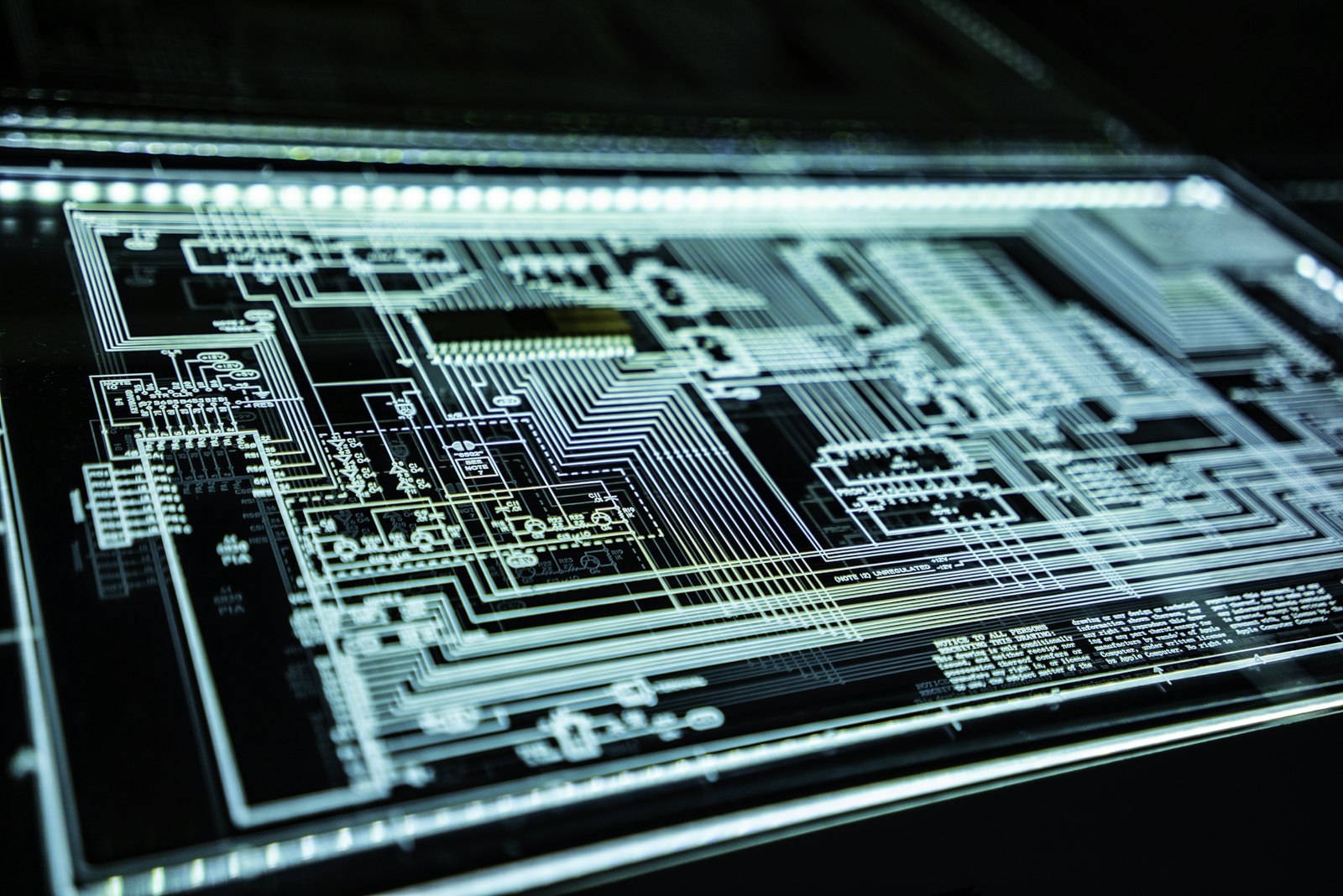
Mobile App Security Threats To Plan For

Learn how hackers target mobile apps and how multifactor authentication, encryption, and code obfuscation protect user data.

Read Full Story →
Health & Fitness

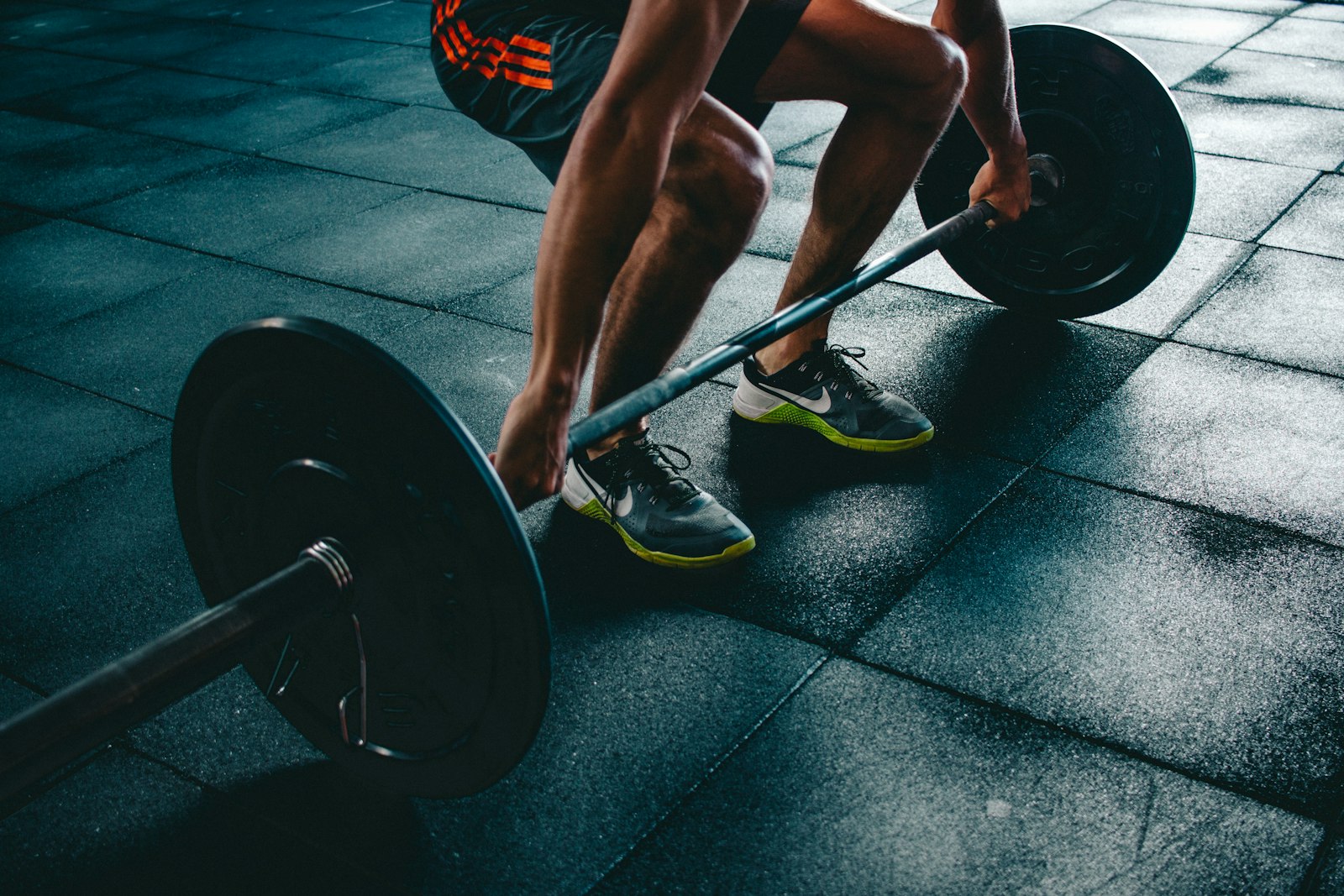
7 Reasons to Consider a Home Gym

If you think of picking up better health habits and don't like crowded gyms, consider setting a home gym catered to your needs.

Read Full Story →
✦ Prime Full-Width Placement • 1450×150 Starting at €99/mo
Buy Ad Space Here

Put your brand, SaaS, or product front-and-center above our daily news feed on THE OFFICIAL ANDREASCY.

Showing posts with label Desktop Screenshots. Show all posts

Web and Software Dev - Metro Icons by Orphydian

Description :

Hiya guys! Looking for some recent articles? Go here. Want to know more? Get alerts and exclusive insights advice for new stories within the topics you love. Thanks for your trust and for your time! 😀👍

It has been a while since i have written about Orphydian's 3D Software and Office & Productivity metro icon sets. 

Web and Software Dev - Metro Icons by Orphydian

Today we'll provide you with a few more links to recreate the look and feel of your apps and concepts. These sets include a variety of icons of the latest popular programs and services in .ico and .png formats.

See the images, download links and author's comments.

1. Modern Uinvert Icon Set I Web and Software Dev

Web and Software Dev - Metro Icons by Orphydian

" This set contains over 100 modern Uinvert Icons ( in both .ico and .png format) to be used on any Windows desktop depicting most of the relevant 3d graphics sofware out there: Integrated Development Environment, Code and HTML editing, Web authoring, Content Management System, eCommerce Platform, Bug tracking, Social coding, Revision control system, Git repository Web server, Database, Solution stack package etc.".


2. Windows 8 Modern Tile Set I Web and Software Dev

Web and Software Dev - Metro Icons by Orphydian

"This set contains over 100 modern UI style PNG's proper to be used for Windows 8 startscreen depicting most of the rellevant 3d graphics sofware out there: Integrated Development Environment, Code and HTML editing, Web authoring, Content Management System, eCommerce Platform, Bug tracking, Social coding, Revision control system, Git repository Web server, Database, Solution stack package etc.".


SEE ALSO: 


Stay Connected to The *Official AndreasCY*. What are you working on? Let us know in the comments down below.

*by andreascy*

Office and Productivity - Metro Icons by Orphydian

Description :

Icons are one of those things that are produced by the thousands. Creating icons is such a specialty that there are companies and designers who are devoted 100% to designing icons like the popular Icon Factory. 

Metro is a design language so it can be applied to any platform or technology. It's influenced by the International Typographic Style or Swiss Style which in turn learned also from the Bauhaus school of Architecture and Design. 

Using metro icons in your projects is part of defining the identity of your project itself, your brand, your value proposition and even business model. Branding is a whole big area of conversation. It’s also about color, style, value proposition, identity and others aspects.

Orphydian's logo

We’ve found many free Metro icons around the web and some for sale. Icons that can be used in everything from Powerpoint presentations to applications. You guys loved the Amazing Metro Icon Sets so we thought of adding even more for all you developers and enthusiasts out there.

This time we feature two Astonishing Office and Productivity Metro Icon Sets with over 100 icons (Uinvert Custom Icon Set and Modern Tile Set) by Orphydian, the same person who gave us the last metro icon set.

Check out the images, download links and author's comments for more.

1. Modern Uinvert Custom Icon Set I Office and Productivity

Modern Uinvert Custom Icon Set

"This set contains over 60 modern Uinvert Icons ( in both .ico and .png format) to be used on any Windows desktop depicting most of the rellevant software out there used for Word processing, Team collaboration, Project management, PDF and OCR editing/converting, Reference and Bibliography management, Compressing and archiving, Desktop publishing etc."


2. Windows 8 Modern Tile Set I Office and Productivity

Windows 8 Modern Tile Set

" This set contains over 60 modern UI style PNG's proper to be used for Windows 8 startscreen depicting most of the rellevant software out there used for Word processing, Team collaboration, Project management, PDF and OCR editing/converting, Reference and Bibliography management, Compressing and archiving, Desktop publishing etc."


SEE ALSO: 


Want to be featured on our Blog? Send us your suggestions via Twitter (@andreaschriscy) or use this contact form. Subscribe also on our RSS feed to get all the latest updates to your inbox.

*by andreascy*

Amazing Metro Icon Sets by Orphydian

Description :

Metro is the codename for Windows Phone Design System. It's modern, clean, light and open design with no shadows, glows or gradients. 

Our friend Orphydian released 2 Fantastic Metro Icon Sets with over 100 icons (Uinvert Custom Icon Set and Modern UI Custom Tile Set). Unique icon sets that developers can use in their applications. 

Orphydian's Logo

The Design of these icons it's based on the Metro style, with cleared, straight forms and pure typography. All icons in the sets have the right color and resolution, with content areas perfectly centered. Any icon is ready to be used in your new application, design or concept. 

Have a look on the images, download links and author's comments. 

1. Modern Uinvert Custom Icon Set I 3D Software

Modern Uinvert Custom Icon Set

" This set contains over 60 modern Uinvert Icons ( in both .ico and .png format) to be used on any Windows desktop depicting most of the rellevant 3d graphics sofware out there comprising modeling, digital sculpting, 3d painting, lighting, rendering, animation, visual 3D FX, CAD, scenery generating functions."


2. Windows 8 Modern UI Custom Tile Set I 3D Software

Windows 8 Modern UI Custom Tile Set

"This set contains over 60 modern UI style PNG's proper to be used for Windows 8 startscreen depicting most of the rellevant 3d graphics sofware out there comprising modeling, digital sculpting, 3d painting, lighting, rendering, animation, visual 3D FX, CAD, scenery generating functions."


That was it for today. Keep sending us your suggestions via Twitter (@andreaschriscy).

*by andreascy*

Do Windows 8.1 Screenshots Prove Return of the Famous Start Button?

Description :

Most people thought they would never see the Windows “Start” button again. However, recent Windows 8.1 update confirmed that Microsoft placed it back where it belongs. 

Do Windows 8.1 Screenshots Prove Return of the Famous Start Button?

Users are thrilled to have the start button back, but we are still waiting for further feedback on how the start button affects the Windows 8 performance.

So What Will It Be?

According to Paul Thurrot's SuperSite For Windows, The Windows 8 start button really will be what people expect it to be. When people update, they won't be able to miss it. The color appears to have changed, but it's still the familiar Start button. 

Oh, but there's more about the color: Apparently when a user hovers over the Start button it changes colors. Thurrott, the man who had access to the Milestone Preview of 8.1, says it changes to a black background and accent color used on the flag logo. This Start button closely resembles the Start Charm. 

Other (Hopefully) Welcome Changes

Most Windows 8.1 users indicate that additional features such as the ability to boot up the computer straight to the desktop and bypass the “Metro-Style Windows 8 home screen” are also a long-awaited welcomed feature. Furthermore, little things like being able to replace the desktop wallpaper make them feel at home again.

Overall, Windows 8.1 was designed with customization in mind. Reports state that Microsoft intends to make it so anyone who uses this OS is able is to conform it to their wishes. This operating system is supposed to work for everyone. 

The “Blue” Preview

The Microsoft Build Conference took place from June 26th to June 28th at the Moscone Center in San Francisco, California. Microsoft offered current Windows 8 users a free 8.1 upgrade on the first day of this weekend conference. 

With an already cramped event, they later announced that they were able to offer even more tickets for sale. This event was in high demand for future developers who plan to shape the future of Windows and help create new programs. Microsoft scheduled several sessions run by some of the top people in the industry to offer their training. 

However, one of the main reasons people wanted to attend is for the sneak peak at Windows 8.1. Every single day that passed causes people to anxiously await the “real deal.” Just about any developer that was able to attend wanted to be here for this debut, and learning experience.

YOU MIGHT LIKE: The Battle between Windows, Chromebook and Mac

As far as the Start button is concerned, the Build Conference was the true revelation for current and future Windows users. Attendees walked away feeling like they understood an exclusive part of the Windows OS that no one had ever caught a glimpse of before. 

*by andreascy*

The Right Choice Between Laptops and Desktop Computers

Description :

If you are wondering whats's the best Computer device today? My answer will be, "that depends". Before you'll decide what kind of computer you want, you first need to think if you want the portability of a Laptop or dexterity of a Stationary Computer. Whatever the decision is it depends on your needs and obviously on your budget. I have summarized some of the reasons you may want to invest in a Laptop versus a Desktop PC below.


In the modern era, technology is getting smaller. And smaller generally means better. On the past, a Desktop PC was for doing anything serious, while a Laptop (also referred to as Notebook) was a handy extra or an indulgence for businessmen who travel a lot.

But how things have changed. Desktop is faded away, most of the people are buying Laptops but every device has it's pros and cons and a different usability. Since the advent of Wi-Fi technology, people prefer Laptops. Before getting my first Laptop i asked myself. What bests suits to me? To be honest i had no previous experience and i wasn't so sure if finally a Laptop would do. I wanted to be confident though that i pick the best computer for my needs. But let me admit that I love my Laptop. :)

To decide between a Desktop or Laptop PC can be difficult. Especially if you don't know or understand their real differences. There are so many choices than ever before, and each comes with plenty of competitive features and on different prices. 


First of all ask yourself some questions. Which one would be better in terms of cost, usage and performance? Why do you need it? Surfing the internet? E-mails, networking, typing up documents and spreadsheets? What are you going to use it for? Are you always on the go? Are you a heavy user who wants the best setups? Are you a heavy gamer or a youtuber? How much can you spend?

A Laptop it's small. That makes it lightweight and easy to carry. It's powerful, tough, wireless and central. Some years ago, Laptops were weaker than Desktops and not able to perform as expected. They were missing lot of features that a Desktop had but with the benefit of being portable. For someone who travels a lot and works or plays on a computer outside the house, the campus or the city, these are strong arguments in favor of a Laptop. Nowadays both are nearly equals but with an important difference. Laptops are still dependent on their battery life. But there is again something about the Laptops that still makes you want to buy them.

Laptops are outselling Desktops due to their sleek design, portability and improved performance. Believe it or not, Laptops are the new Desktops. A Laptop allows you to sit on your sofa, surfing the web, keeping all your files, can also be used as a communication tool with family and friends, it doesn't have any wires or make you worry about space and this has become part and parcel of our modern life. There is no need to dedicate a portion of your home to a giant desktop PC on a desk.


But it is also true that the level of customization of Desktop's is high. A Desktop PC is one that will reside on a desk in your room. It will come with different parts, for example a tower, which contains the heart of the PC including some of the peripherals. It comes with a monitor, keyboard and mouse. All Desktop Computers have some expansion slots for PCI and memory cards, optical and even hard disks. They are easily upgradeable and parts can be easily replaced or upgraded.

Desktops perform better in general. Most times Laptops are running to catch up with Desktop technologies as they have to shrink everything down in size before being able to use them. Let's say hard drives. Laptop hard drives are much slower than Desktop hard drives. Laptops are also much more expensive than Desktops and have limited options for any upgrades in the future.

Lots of new innovations in Computer's technological field are also more readily available for Desktop PCs. For example, multi-core processors, were available for Desktop Computers way before they figured out how to make them small enough for Laptops. This means that if you're looking for a Computer system that's state-of-the-art, then Desktop Computers are in priority. It's also a fact that Laptops will never be as good as Desktops in terms of Computer power. As far as cost is concerned Laptops are not far away from desktops.

Conclusion :

Till date, Laptop is the only answer to Desktop which provides a fair mobility and flexibility. If you think you won't need that flexibility, you can prefer the Desktop, but don't count it out. Both of them are created with different needs so you never know when you'll have to compute on the go. You can completely replace your PC and buy a beautiful Laptop. Laptop has a variety of rich features which can beat a Desktop at any stage of time. You just have to figure out how you are going to use the Computer. Your situation may be different. Just take the best choice and make it work. 

*by andreascy*

Google Now Desktop Wallpapers Collection 4

Description :

Hello guys. How are things at your end today? Have you heard about Google's personal assistant application known as "Google Now"?

Having used it for months, I can tell you how great it is. It presents me just the information I need, when I need it, and tailored to my current location. Google's latest hot product for Android and iOS is simply amazing! The more you use it, the more useful it gets, as it figures out what you need and when. 

Google Now Desktop Wallpapers Collection 4

Some days ago, we published here at THE OFFICIAL ANDREASCY some beautiful Google Now(ish) Desktop Walllpaper Collections that let you enjoy the highly artistic backgrounds that you see in the Google Now app, for your 1920x1080px displays. Not the original ones, but inspired from Google Now’s aesthetics and overall design. 

Different artists come up with a bunch of wallpaper ideas but just a few toke our real attention. Our friend Brebenel Silviu with his great and unique skills is one of them! Today, we are sharing with you the 4th part of the series that contains four Beach versions ready to decorate and enchance your screens. 

If you like what you see, then:

1. Right-click on the image you wish to save.
 
2. Click Save picture as… 

3. Navigate to the folder where you wish to save the image to, then click Save.

Collection 4:

(a)

Google Now Desktop Wallpapers Collection 4

(b)

Google Now Desktop Wallpapers Collection 4

(c)

Google Now Desktop Wallpapers Collection 4

(d)

Google Now Desktop Wallpapers Collection 4

Looking forward to hearing your feedback and insights in the comments below. Be sure to leave your thoughts! 

If you are interested to feature your personal works on our Blog, then feel free to contact us. If you want more of us in your life, then subscribe on our RSS feed and Daily Newsletter. 

Take care everyone! 😎

*by andreascy*

Google Now Desktop Wallpapers Collection 3

Description :

It's being some time now that we've shared with our lovely readers, here at THE OFFICIAL ANDREASCY, a number of carefully picked wallpapers. From motivational wallpapers of every type, to Windows 8, Minimalism, and Google Now. Wallpapers for bloggers, developers, designers, techies, and readers who are hungry for some creativity and inspiration.

We mentioned Google Now wallpapers, because that's the main topic for today. 

Google Now Desktop Wallpapers Collection 3 [Preview]

Since it launched last year, Google Now, for many, has become a staple in the Google or Android experience. It's location within the operating system itself, beneath the Home button in all of the pure-Google-experience Nexus devices, is an indication of just how important Google feels the service is.

We also believe that it represents the best of Google, so we are sharing the next pack of the wallpaper series, made by Brebenel Silviu. Simply, scroll down below and...

1. Right-click on the image you wish to save.
 
2. Click Save picture as… 

3. Navigate to the folder where you wish to save the image to, then click Save.

In case you missed the previous releases, follow this link.

Collection 3:

(a)

Google Now Desktop Wallpapers Collection 3

(b)

Google Now Desktop Wallpapers Collection 3

(c)

Google Now Desktop Wallpapers Collection 3

(d)

Google Now Desktop Wallpapers Collection 3

Sharing equals with Caring! If you like this post, you know what to do. Show your best support to the creator and help this community to reach and hopefully inspire even more people. 

Stay tuned because we hear that Silviu brings some interesting things around including a Google Now Suite for XWidget. 😉

*by andreascy*

Google Now Desktop Wallpapers Collection 2

Description :

Hello folks! Here on THE OFFICIAL ANDREASCY we are always on the hunt for beautiful new wallpapers. We appreciate hard work and creativity from the graphic designers so we are always trying to find ways to support them as much as we can.

We've featured a few Google Now Desktop wallpapers this year that got your interest. We are happy that our first collection received a fair attention on social media and we want to thank you for your support. Today we decided to share the next collection that will definitely make you love it!

Google Now Desktop Wallpapers Collection 2

As you probably know, Google Now gets you just the right information at just the right time. It tells you today’s weather before you start your day, how much traffic to expect before you leave for work, and more.

It's one of the most intuitive things which Google has done for smartphones. I just wish there was an easily accessible way to get in touch with the developers. Also, the events could have addresses on them not just venues so that the user is able to tell at a glance how far away they are, and perhaps cost too. The event feature is incredible though.

So what are you waiting for? Are you ready to enrich your desktop with these cute Google Now-styled wallpapers?

1. Right-click on the image you wish to save.
 
2. Click Save picture as… 

3. Navigate to the folder where you wish to save the image to, then click Save.

 Special only for your 1920x1080px display! If it's a yes then have a look:

Collection 2:

(a)

Google Now Desktop Wallpapers Collection 2

(b)

Google Now Desktop Wallpapers Collection 2

(c)

Google Now Desktop Wallpapers Collection 2

(d)

Google Now Desktop Wallpapers Collection 2

They are awesome, right? 😃😍

Ok that was it for today. Stay tuned on our Blog for the next Collection and subscribe also on our RSS feed for future updates directly to your inbox.

For more interesting backgrounds / wallpapers, check out some of our previous collections. Contact us if you have any great pieces you'd like to share (Write "Wallpaper Collections" in the subject line). 

*by andreascy*

🦾 Stay Motivated

Editor’s Picks

Editor's Picks 01 / 03
Marketing Design Tips and Trends For Success
Marketing & Design

Marketing Design Tips and Trends For Success

With website design impacting 94% of first impressions, discover key web design tips and modern visual trends to keep visitors engaged.

Read Full Story →
Mobile App Security Threats To Plan For
Cybersecurity

Mobile App Security Threats To Plan For

Learn how hackers target mobile apps and how multifactor authentication, encryption, and code obfuscation protect user data.

Read Full Story →
7 Reasons to Consider a Home Gym
Health & Fitness

7 Reasons to Consider a Home Gym

If you think of picking up better health habits and don't like crowded gyms, consider setting a home gym catered to your needs.

Read Full Story →

🌀 Quantum Helium Unleashed

Ideas In Motion

Cybersecurity

Mobile App Security Threats To Plan For

Learn how hackers target mobile apps and how multifactor authentication, encryption, and code obfuscation protect user data.

Read Full Story →
Health & Fitness

7 Reasons to Consider a Home Gym

If you think of picking up better health habits and don't like crowded gyms, consider setting a home gym catered to your needs.

Read Full Story →
Marketing & Design

Marketing Design Tips and Trends For Success

With website design impacting 94% of first impressions, discover key web design tips and modern visual trends to keep visitors engaged.

Read Full Story →

▶️ Just Press Play

Beyond The Scroll

Health & Fitness

7 Reasons to Consider a Home Gym

If you think of picking up better health habits and don't like crowded gyms, consider setting a home gym catered to your needs.

Read Full Story →
Marketing & Design

Marketing Design Tips and Trends For Success

With website design impacting 94% of first impressions, discover key web design tips and modern visual trends to keep visitors engaged.

Read Full Story →
Cybersecurity

Mobile App Security Threats To Plan For

Learn how hackers target mobile apps and how multifactor authentication, encryption, and code obfuscation protect user data.

Read Full Story →

⭐ Leading ShipYard's Leaderboard

🚩 Milestone Unlocked!